How-to guides
Portal & telehealth tutorials
Short walkthroughs of everything in the client portal — each one under a few minutes, with captions.

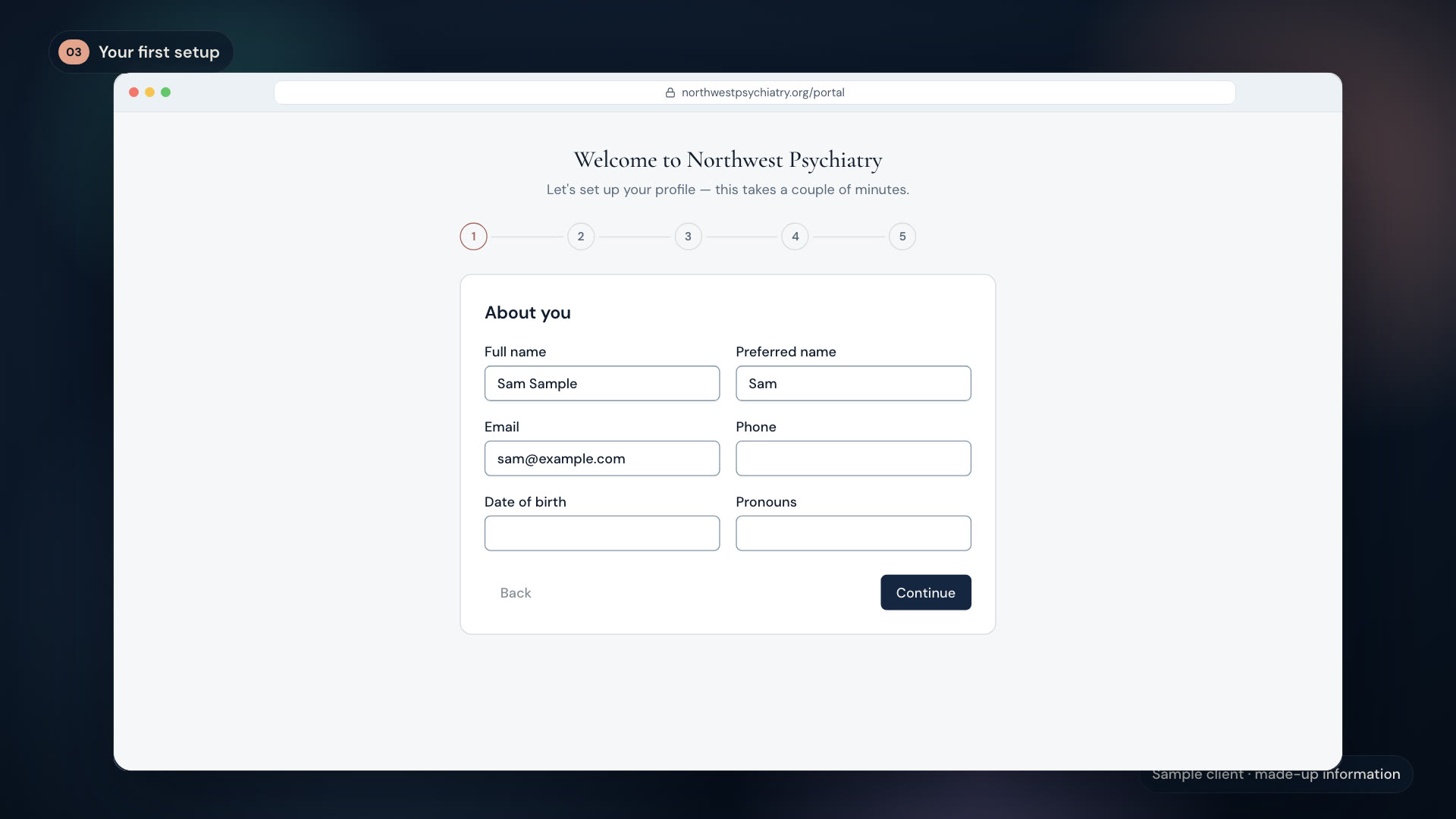
Welcome to Portal 2.0: creating your account
Password-free sign-in with email codes, and the guided setup that gets your chart ready before your first visit.
2 min

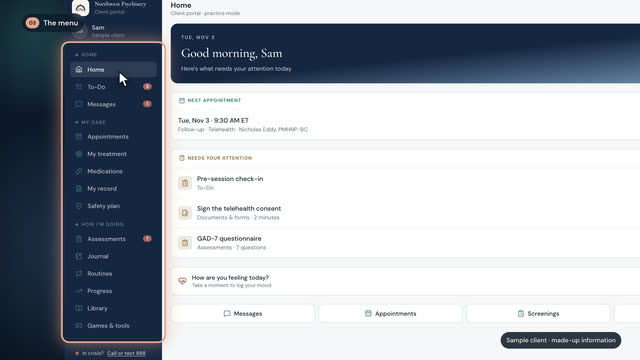
Finding your way around: Home & your To-Do list
The six portal sections, and the one list that holds everything waiting on you — each item opens exactly where you finish it.
2 min

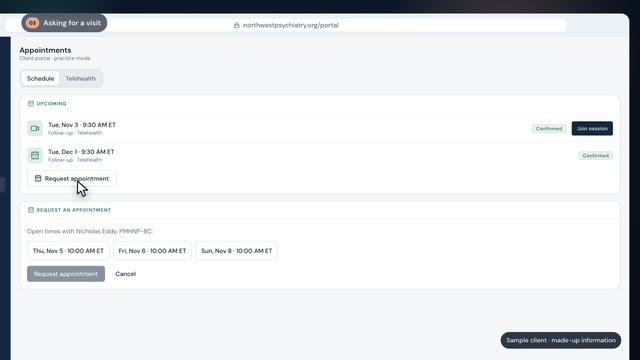
Appointments: booking, rescheduling & requests
Request visits from real open times, change them without phone tag, and see your full visit history.
2 min

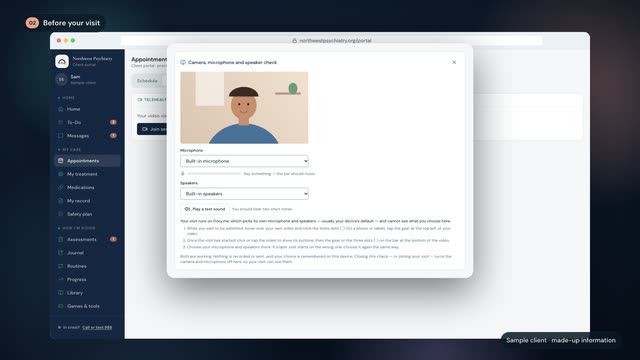
Joining a video visit
One-tap telehealth inside the portal, the 30-second camera test, and the iPhone tip worth knowing.
2 min

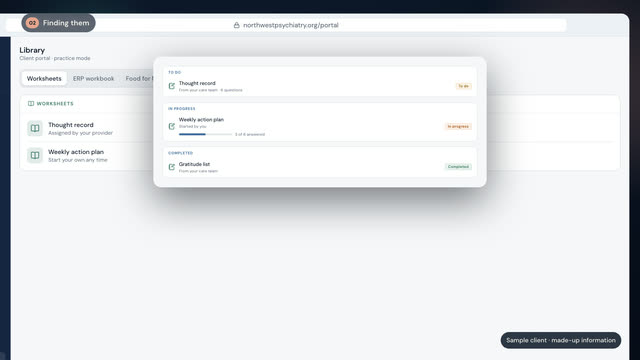
Worksheets part 1: completing what your provider sent
Interactive exercises that save as you type — progress, completion, repeats, and the sharing control that's yours.
2 min

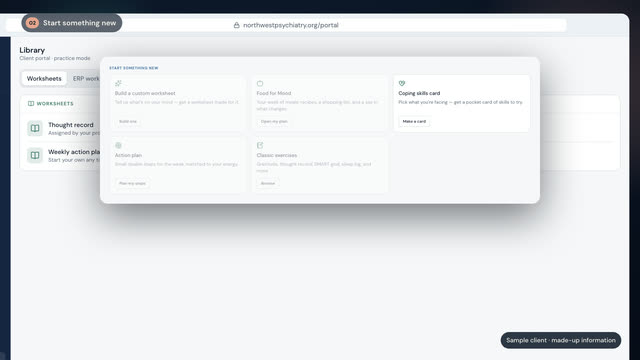
Worksheets part 2: build your own worksheets & plans
Build a custom worksheet around what's on your mind, a Food-for-Mood week, or an action plan matched to your energy.
3 min

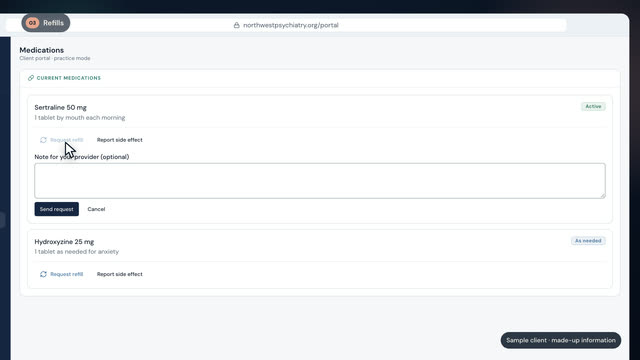
Medications: refills, side effects & consents
Track prescriptions, request refills and watch their status, report side effects, and sign medication consents.
2 min
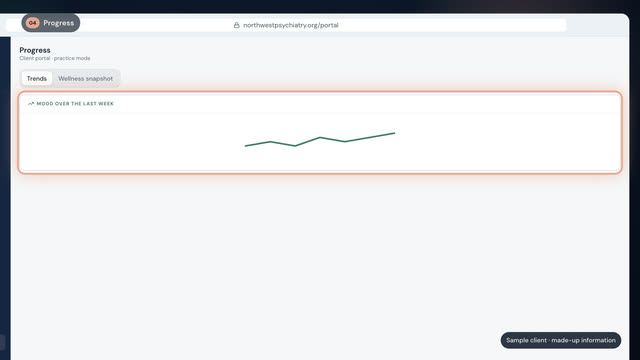
Tracking: mood, symptoms & your wellness snapshot
A minute a day of mood and symptom tracking, assessments, trend charts — and the plain-language snapshot that preps your visits.
2 min

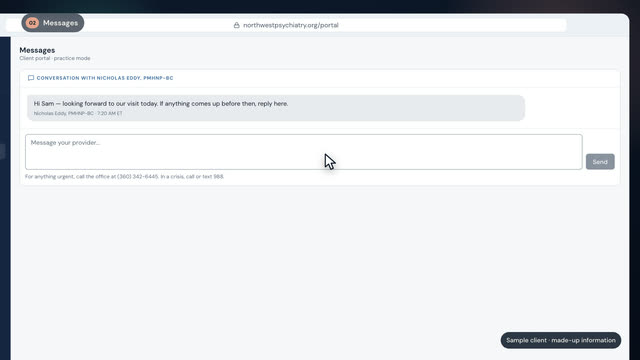
Messages, documents & your records
Secure messaging that beats phone tag, your document locker, lab results, visit summaries, and records release.
2 min

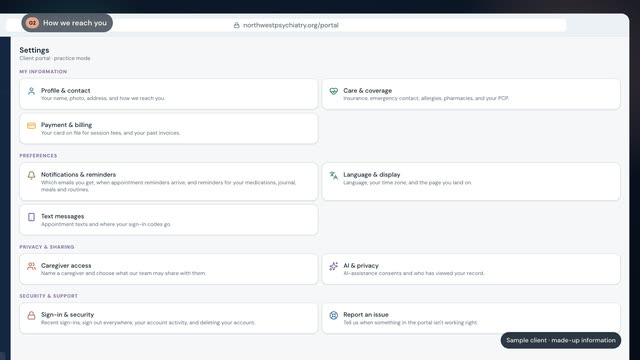
Privacy & account: security that works for you
Sign-in alerts, automatic time-outs, sharing controls, and the settings that keep your information yours.
2 min
Looking for condition and medication education instead? Browse the video library or the learning library.